 Upgrade
Paste a YouTube URL
How to continue- When the browser blocks the automatic download, this blocked-download preview may appear.
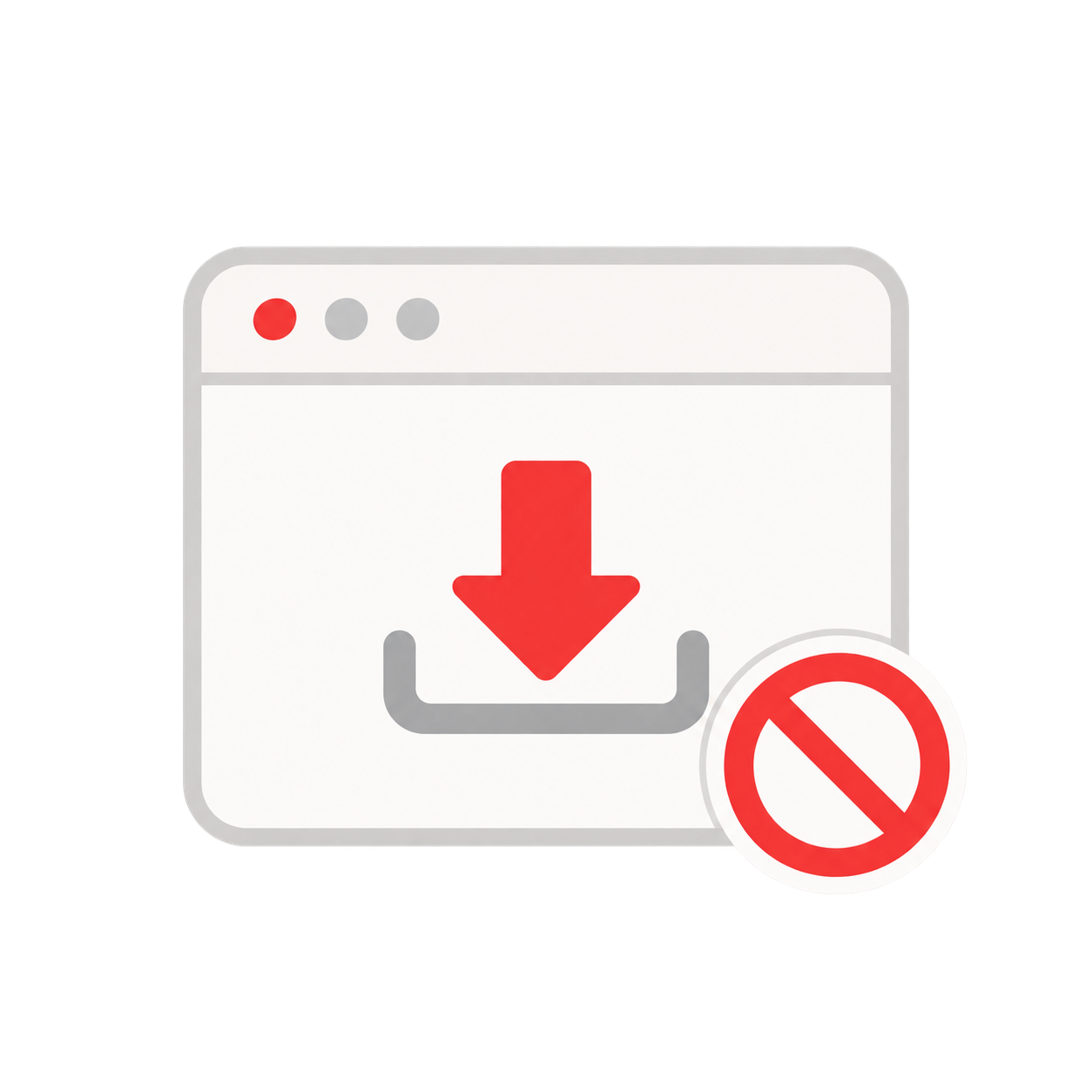
- Open the browser download panel or keep the audio preview open.
- Click the ⋮ menu and choose Download or Save.
- Return here, click Upload, select the saved file, and continue.
- • Public YouTube videos
- • Timestamp-linked evidence
- • Typical processing: under 60 seconds
